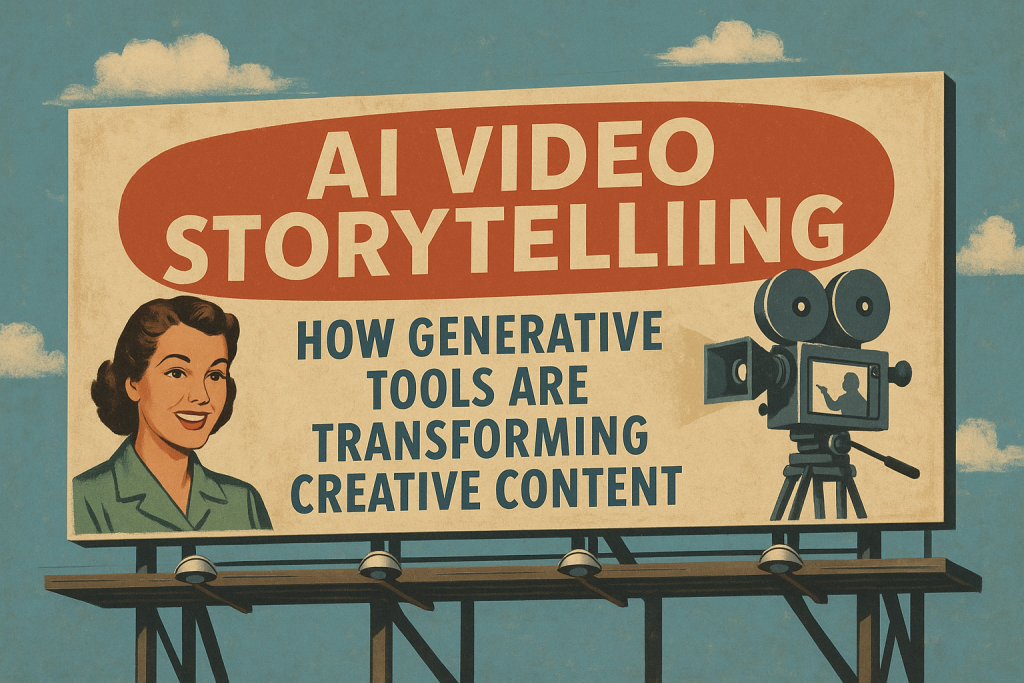
AI Video Generation: How Generative Tools Are Transforming Creative Content
AI video generation is already part of modern video workflows. Not because it replaces directors, editors, or producers—but because it compresses the distance between an idea and a usable visual. That speed changes creative decisions, budgets, and what small teams can realistically ship.
If you’ve been hearing that every “AI video generator” is going to replace video production, here’s the more practical truth: the biggest value is speed + iteration, especially in pre-production and post. The risk is losing originality—or creating content you can’t legally or ethically stand behind.
This post breaks down where AI video generation actually helps, how to use it without turning your content into generic “AI output,” and the guardrails you need if you’re producing content for clients.
What AI Video Generation Actually Means (Without Hype)
“AI video generation” usually refers to one (or more) of these:
- text to video AI (type a prompt, generate a clip)
- image to video AI (animate a still into motion)
- AI-powered cleanup and enhancement (masking, object removal, background changes)
- automated versions (cutdowns, aspect ratios, variations)
Most serious projects aren’t 100% AI-generated end-to-end. In the real world, generative AI video tools speed up specific parts of the pipeline—especially early visuals and post-production chores.
Where AI Video Generation Actually Saves Time
A lot of AI hype collapses the moment there’s a deadline. Here’s where it consistently creates leverage:
Pre-production (highest ROI)
- style exploration (look/feel options fast)
- concept visuals for pitching
- reference frames that help align stakeholders
Post-production (real-world savings)
- masking/segmentation for complex edits
- cleanup tasks that normally eat hours
- background elements or plates (when appropriate)
- versioning for deliverables and formats
If you want results, aim AI video generation at bottlenecks—not the core message.
Text to Video AI vs Image to Video AI (Which One Should You Use?)
Text to video AI
Best for:
- abstract b-roll
- concept sequences
- visual metaphors
- quick ideation
Downside: it can be unpredictable and often needs multiple runs.
Image to video AI
Best for:
- controlled composition (you choose the starting frame)
- more consistent branding (you begin with a designed still)
- smoother continuity across multiple versions
If your goal is consistency, image to video AI usually produces more controllable outputs than pure text-to-video.
A Practical Workflow: Concept → Cut (Without Looking Gimmicky)
Here’s how to use AI video generation without letting it hijack your creative process:
1) Define the human goal
What should the viewer do next?
- book a call
- register
- donate
- trust you
- understand the offer
2) Use AI for direction, not “final truth”
Generate:
- 6–12 reference frames or short clips
- tone tests (lighting, mood, pacing)
- visual options to align the team quickly
3) Capture what’s real (when reality matters)
If the content depends on trust and proof, prioritize real footage:
- real people
- real spaces
- real process
- real results
4) Use AI video editing tools for speed
- Use AI for:
masking and subject isolation
cleanup and plate work
cutdowns and versions (vertical/square/horizontal)
simple enhancements that support the story
If you want help building a strategy-first content plan, start here: aesthetico.us/contact-aesthetico-denver-colorado/
What to Avoid (So Your Content Doesn’t Look Cheap)
AI content looks generic when:
- the hook is “look, it’s AI” instead of a clear idea
- everything has the same plastic motion + lighting
- the visuals don’t match your brand
- the video has no proof (just vibes)
A simple rule: don’t let novelty be the message.
If the audience remembers the effect but not your business, the tool won.
Ownership, Authenticity, and Responsibility
This is the part most people skip until it becomes a problem.
Copyright and human authorship
In the U.S., copyright guidance emphasizes human authorship, and AI-generated portions may need to be disclosed/disclaimed depending on how the work was created.
Tool terms vary
Every AI video generator has different terms around input and output rights. For client work, treat AI assets like licensing:
- document what tools were used
- don’t promise exclusivity unless you can back it up
- avoid prompts that imitate living artists or recognizable brands
- be careful with claims if the visuals could be interpreted as “real”
If you’re doing high-stakes advertising or regulated industries, consider legal review.
AI Video Marketing Use Cases That Actually Work
If you’re using AI video marketing to drive business outcomes, these are the use cases that tend to hold up:
Concept testing
Test 3–5 creative directions quickly before investing in a full shoot.
Abstract b-roll + transitions
Use AI-generated b-roll for intros, transitions, and conceptual visuals that aren’t claiming reality.
Cutdowns + versioning
Turn one strong edit into multiple platform-native formats faster.
Cleanup
Fix small distractions so your content feels more premium without reshooting.
What’s Next for AI Video Generation?
The next wave won’t be “AI replaces everything.” It’ll be:
- deeper integration into editing and motion workflows
- better controllability (consistency across characters/scenes)
- clearer provenance/authenticity standards
- creators using AI to move faster without looking synthetic
The winners won’t be the ones generating the most clips.
They’ll be the ones with the best taste and the clearest message.
FAQ
Is AI video generation easy for beginners?
Yes. Most tools are UI-driven. The hard part is having a clear idea and a repeatable workflow.
Will AI replace video professionals?
AI reduces manual tasks and speeds iteration, but it doesn’t replace taste, story judgment, or strategy.
What’s the difference between AI video generation and AI video editing tools?
Generation creates new clips from prompts/images. Editing tools modify or enhance real footage (masking, cleanup, versions).
Can I use AI-generated video commercially?
Sometimes, depending on the tool and context. Read tool terms, document your process, and be careful about claims.